
Add Members
To add Members to your property, click the “Add Members” button at the top right of the property page.

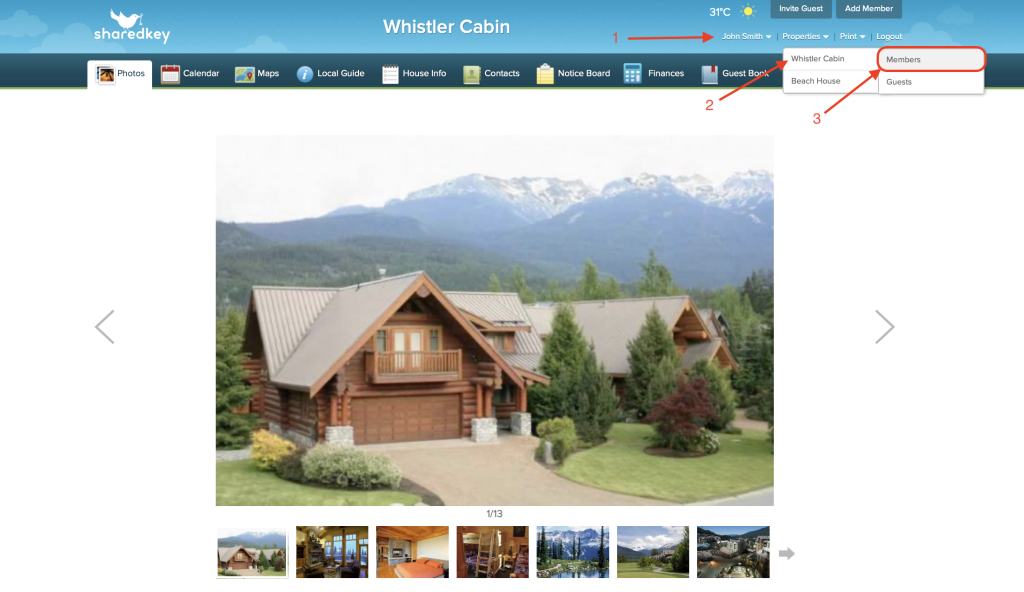
You can also add members to your property by hovering your mouse over your name at the top right hand side of the page until the drop down bar appears. Then hover over the property you wish to add members to, and click “Members”.
Please note that members are different from guests. There are also different types of members you can set up.

To add a new member, click the green “Add” button.

Fill out the following information to add a new contact. Then click “Save”. Newest members will appear at the bottom, with oldest members at the top.
