Help  Guests View List of Guests
View List of Guests
To view all the Guests who have access to your property page, hover your mouse over your name in the top right corner. From the dropdown menu, hover over the property you would like to invite guests to, and click “Guests”.
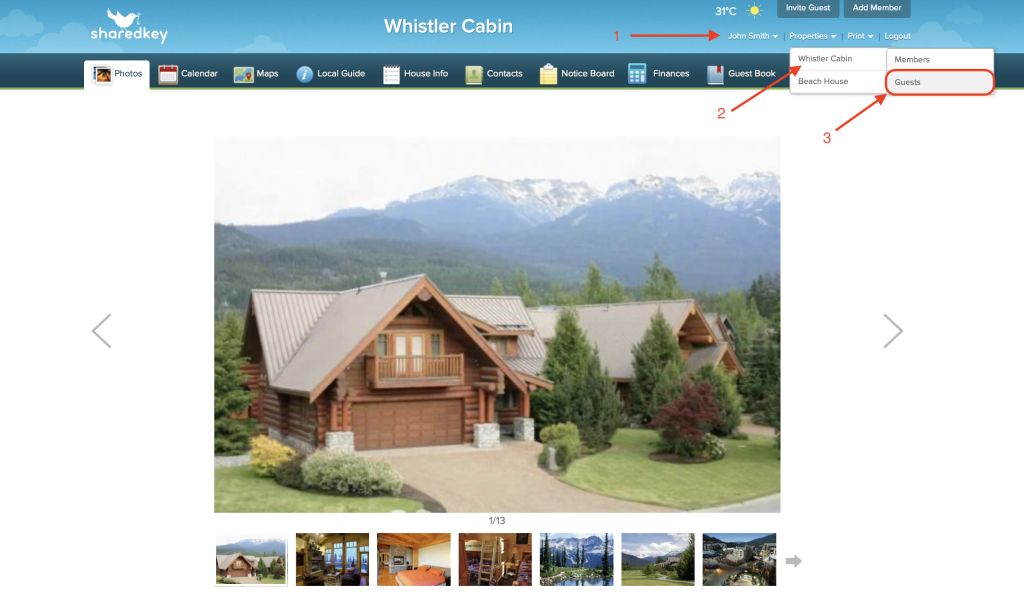
This will bring you to the Guest list, where you can view, edit, or delete Guests with access to your property page.
