Delete Account
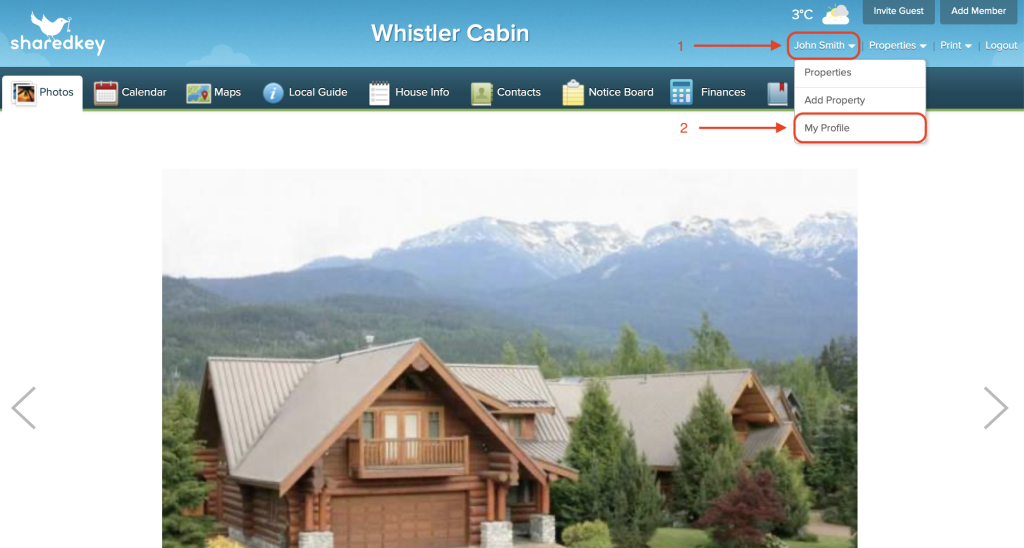
To delete your account, login at sharedkey.com, hover your mouse over your profile name in the top right corner, then click “My Profile” from the dropdown menu.
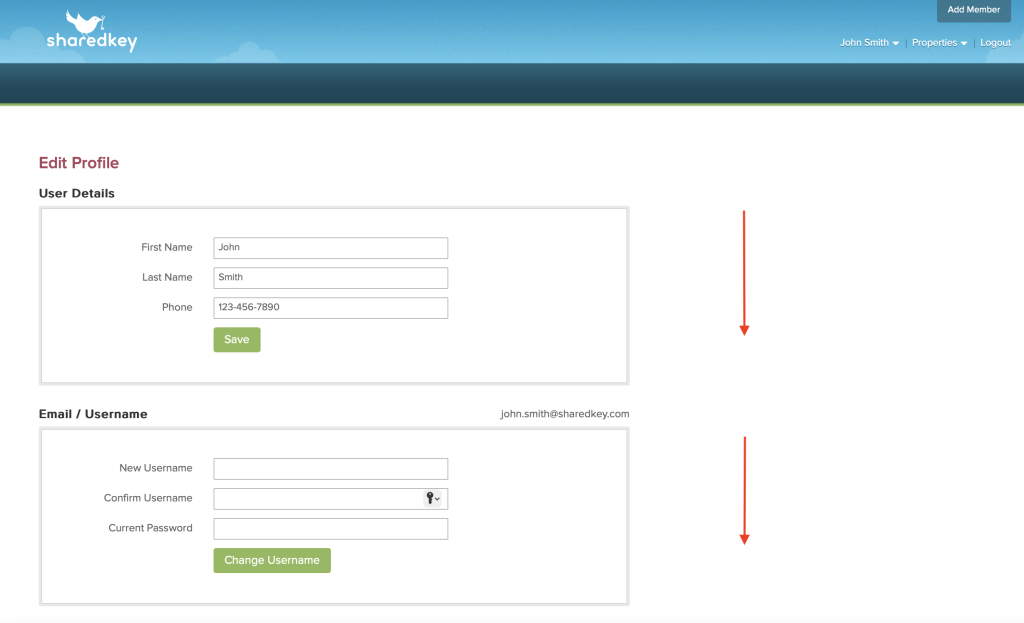
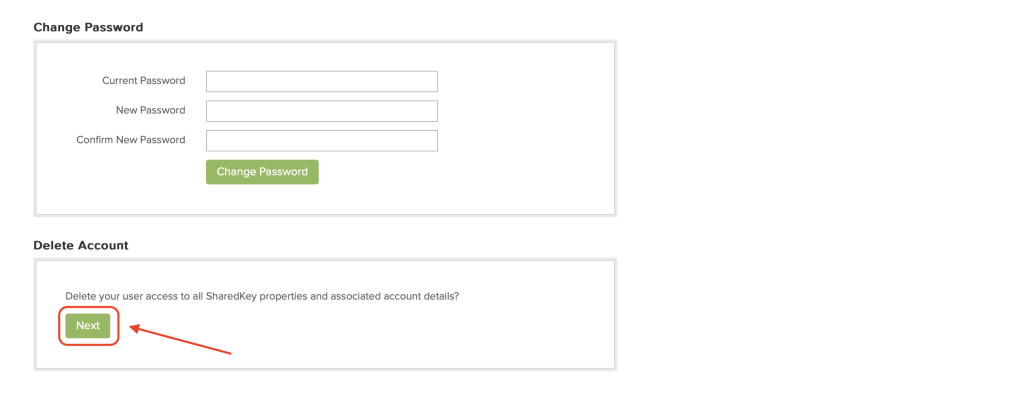
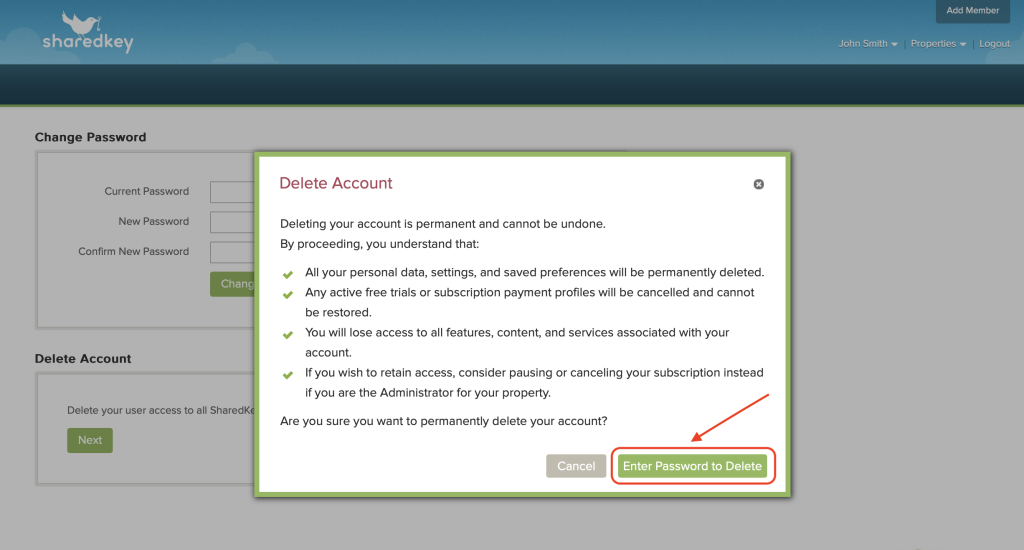
On the Profile page, scroll down until you see “Delete Account”, then click “Next”.
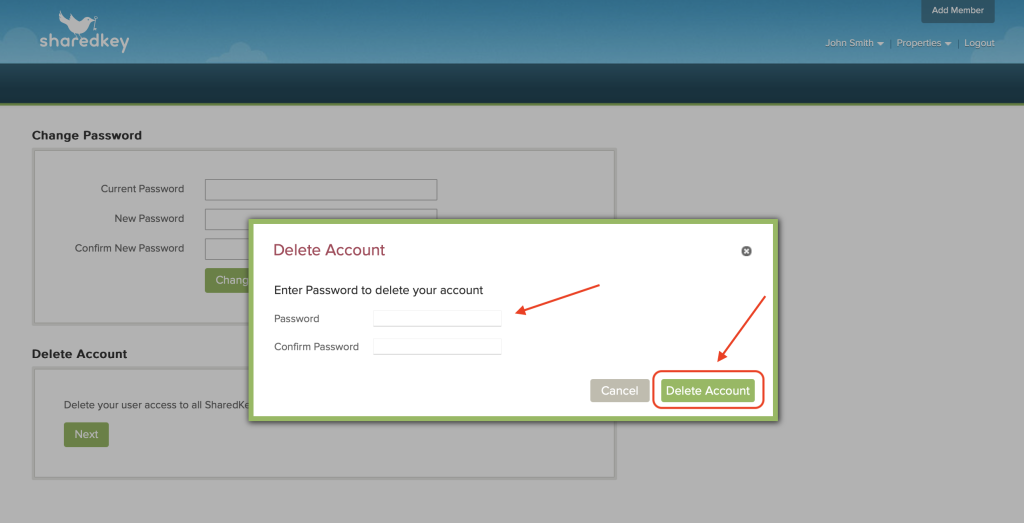
From the popup window, click “Enter Password to Delete”.
Enter and confirm your password, then click “Delete Account”.