Help  Finances Settings Currency
Currency
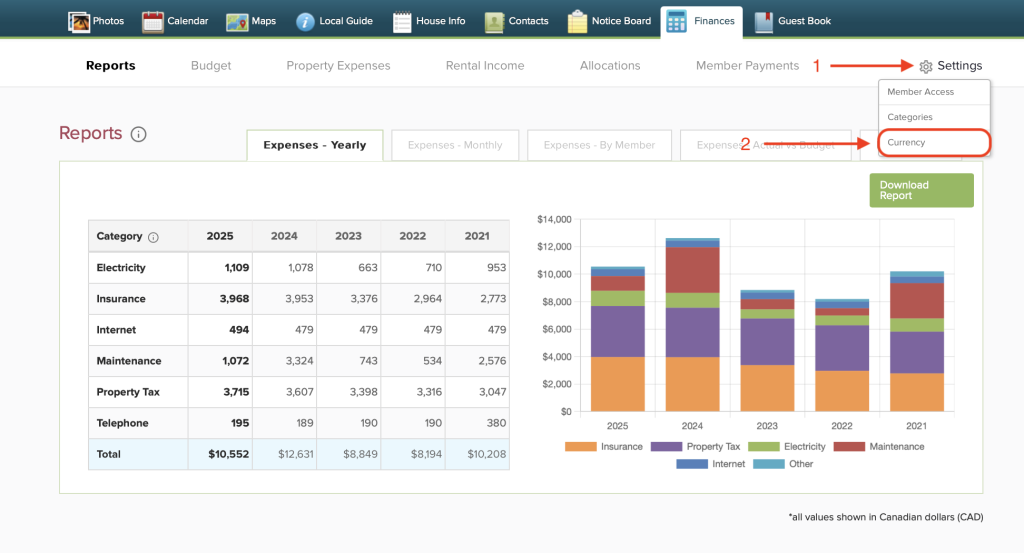
To select the currency relevant to your property, open the Finances tab and hover your cursor over “Settings” in the top right corner. From the dropdown menu, click “Currency”.
On this page, you are able to select the proper currency for your property / what currency your finance page will display. Click the drop down bar to select the currency relevant to your property’s country.


You may also choose the display format, to change the punctuation display of your currency.

Click the green “Save” button to confirm your selection.