Help  Billing & Subscriptions Updating Credit Card / Billing Information
Updating Credit Card / Billing Information
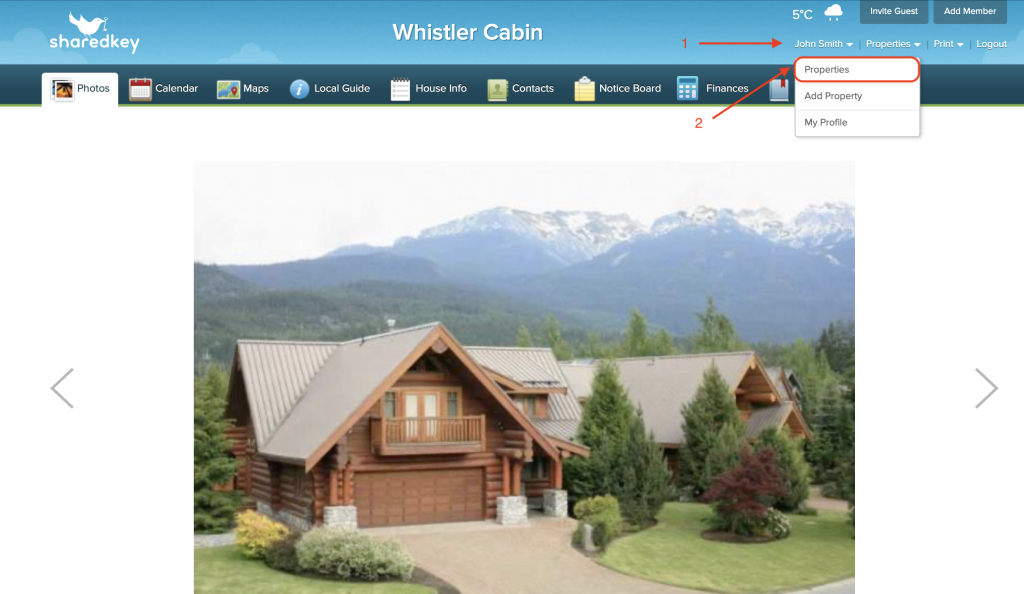
Log into your account at shared key.com, and hover your mouse over your name in the top right corner. From the drop down menu, click “Properties”.
On the Properties page, click on “Billing & Subscription”.
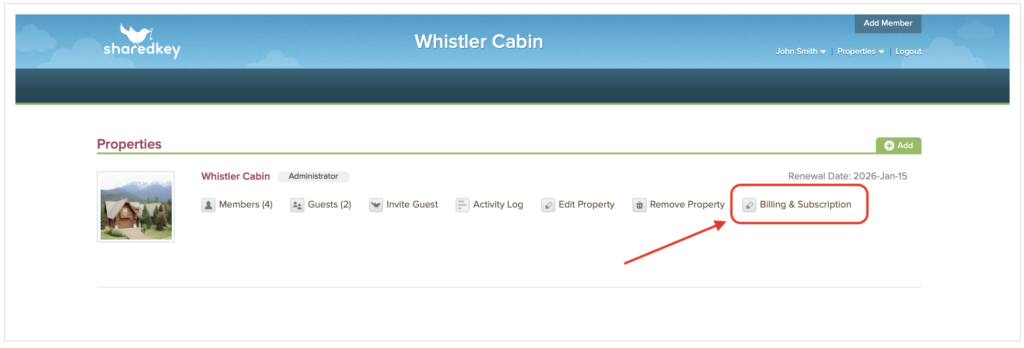
This is where you are able to enter your new credit card and billing information.
