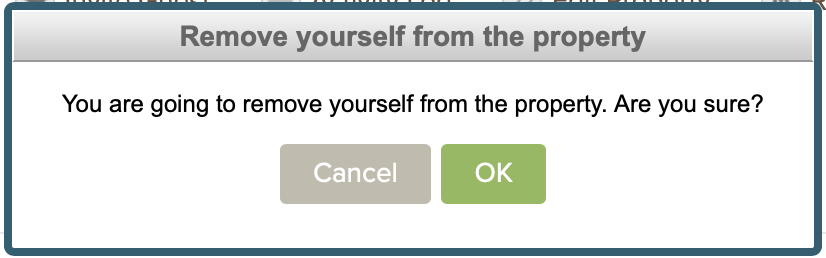
Remove Property
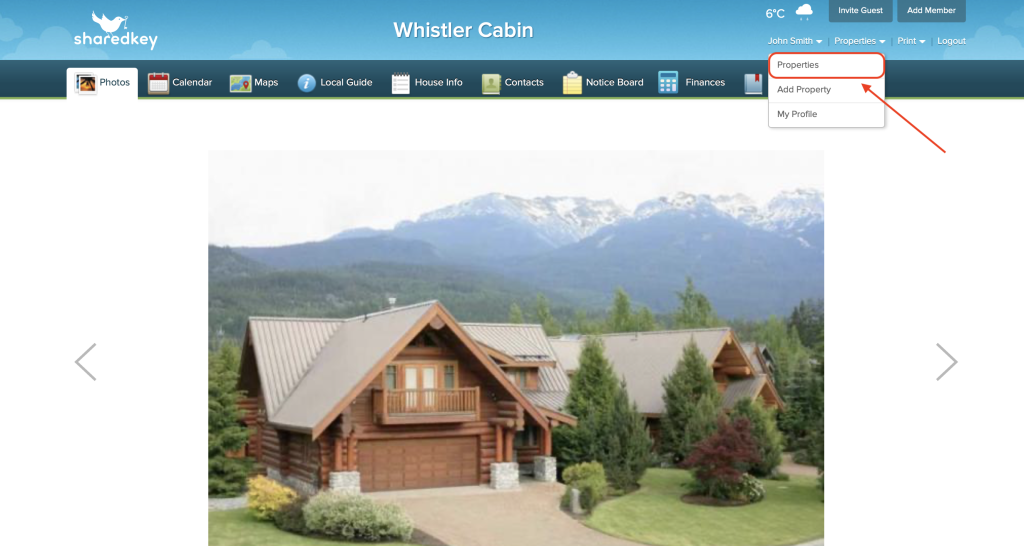
To remove a property, log in to your account at shared key.com and hover your mouse over your name in the top right corner until the dropdown bar appears. Here, click on “Properties”.
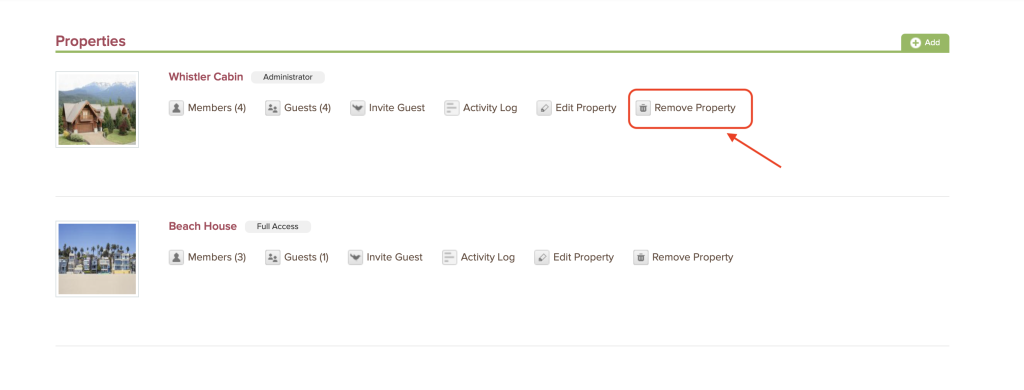
Once you are on the Properties page, click the icon next to “Remove Property”.
You will be asked to confirm. Click “OK” to remove yourself from the property.